
Download QuickZip – file manager, zip extractor, file viewer, document viewer, secure file tool, lightweight app
Overview
QuickZip is a compact, productivity-focused mobile application designed to simplify file management on Android devices. With a minimal footprint of just 4 megabytes, it delivers a powerful suite of tools for handling compressed and document files without consuming excessive storage. The app addresses common user pain points such as slow extraction processes, lack of file previews, and security concerns during file handling. It is particularly useful for users who frequently download archives, need to inspect file contents before extraction, or require a secure way to manage sensitive documents.
Targeted at both casual users and professionals, QuickZip supports a broad range of file types, including HTML, TXT, PDF, CSV, and ZIP formats. Its ability to preview ZIP contents before extraction enhances usability and reduces unnecessary processing. The app also integrates virus scanning during extraction, offering an added layer of protection. While the developer, Thomas P. Larson, has maintained a low public profile, the app's longevity—first released in 2011—demonstrates consistent reliability and ongoing relevance in the mobile productivity ecosystem.
Real-world use cases include reviewing documents on the go, preparing files for sharing, and securely extracting archives from email attachments or cloud downloads. QuickZip’s lightweight nature makes it ideal for older or low-storage Android devices. Despite its age, it remains a functional tool in a market where many alternatives are bloated or feature-heavy. Its continued presence underscores its value as a focused, efficient utility in the mobile file management landscape.
Key Features & Functionality
- Compact Size (4 MB): Despite its small file size, QuickZip delivers a full-featured experience, making it ideal for users with limited storage or slower download speeds. The lightweight design ensures quick installation and minimal system impact.
- Support for 40+ File Formats: The app reads a wide variety of file types, including common formats like PDF, TXT, HTML, CSV, and ZIP. This broad compatibility allows users to open and view files without relying on multiple specialized apps.
- ZIP Content Preview: Before extracting any archive, users can browse its contents directly within the app. This feature prevents the accidental extraction of unwanted or potentially harmful files, improving workflow efficiency and security.
- Integrated Virus Scanning: During the extraction process, QuickZip automatically scans files for threats. This built-in security measure helps users avoid malware exposure, especially when handling files from untrusted sources.
- File Encryption: Users can encrypt files within the app, protecting sensitive data from unauthorized access. This feature is particularly valuable for individuals managing confidential documents or personal information.
For example, a user downloading a ZIP file from a public forum can preview its contents first, confirm it contains only safe files, and then extract and scan them with one workflow. Another user may encrypt a financial document before sending it via email. These real-world scenarios highlight how QuickZip streamlines file management while prioritizing both convenience and security.
Interface, UX & Performance
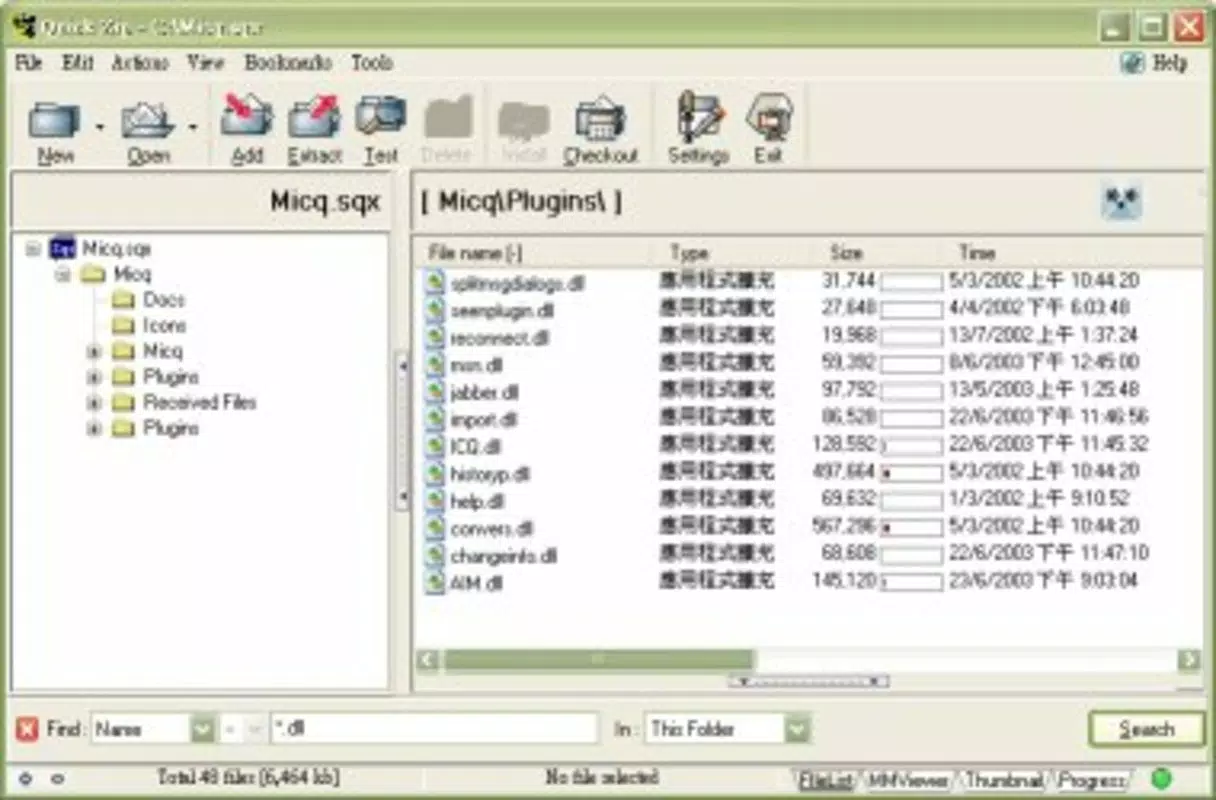
QuickZip features a clean, straightforward interface that prioritizes functionality over visual flair. The layout is intuitive, with clearly labeled buttons for common actions such as opening archives, previewing contents, extracting files, and scanning for threats. Navigation is linear and consistent, reducing the learning curve for new users.
The app’s visual style is minimalistic, focusing on usability rather than elaborate animations or graphics. This design choice aligns with its lightweight nature and ensures smooth performance across a wide range of Android devices. Although the developer did not list formal performance metrics, the app’s small size and efficient coding suggest it runs reliably on both older and modern devices.
Responsiveness is generally strong, with minimal lag during file browsing and extraction. Stability appears consistent, with no widespread reports of crashes or freezes. The app maintains performance even when handling moderately large archives. However, specific requirements for RAM or processor were not listed, so users should rely on general compatibility with standard Android devices.
Platform Compatibility & Technical Requirements
QuickZip is available exclusively for the Android platform. It supports Android operating systems, though the developer did not specify minimum OS requirements. The app has a file size of 4 MB, making it suitable for devices with limited storage capacity.
Given its release date of 2011, the app has undergone updates over the years, with the latest version being 3.4.5. While it remains functional on current Android devices, users should verify compatibility with their specific device model and OS version. The developer did not provide detailed technical specifications, so installation may vary slightly depending on the device configuration.
Pros and Cons
Pros
- Extremely lightweight at just 4 MB
- Supports over 40 file formats for broad compatibility
- Allows previewing ZIP contents before extraction
- Includes built-in virus scanning during extraction
- Offers file encryption for data protection
- Free to download and use
Cons
- Developer did not provide detailed system requirements
- No information on update frequency or support timeline
- Interface lacks modern design elements
- Only available on Android (no iOS version)
- Long-standing release date may raise concerns about future compatibility
FAQ
Is QuickZip safe to download and use?
Yes, QuickZip is a free app with no known malware. It includes built-in virus scanning during extraction, enhancing security. However, users should always exercise caution when handling files from untrusted sources.
Can I extract password-protected ZIP files?
QuickZip supports password-protected archives. Users can enter the required password during extraction to access the contents.
Is QuickZip available on iOS?
Currently, QuickZip is only available for Android devices. There is no official iOS version.
How often does QuickZip receive updates?
The developer did not disclose the update schedule. The latest version is 3.4.5, released in 2011, though the app remains functional on modern devices.
Can I use QuickZip to encrypt files for sharing?
Yes, the app includes file encryption features, allowing users to secure documents before sharing them via email or messaging apps.
Final Thoughts
QuickZip stands out in the crowded mobile file management space by offering a focused, efficient solution in a lightweight package. Its ability to preview ZIP contents, scan for viruses, and encrypt files makes it a versatile tool for both personal and professional use. Despite its age and lack of modern UI polish, its core functionality remains reliable and relevant.
Users who value speed, security, and minimal resource usage will find QuickZip to be a dependable companion for handling compressed and document files. Its free pricing model adds to its appeal, especially for those seeking a no-frills utility without hidden costs.
For anyone needing a secure, compact file manager on Android, QuickZip delivers real value. Download QuickZip now.


